
Keep track of what needs doing.
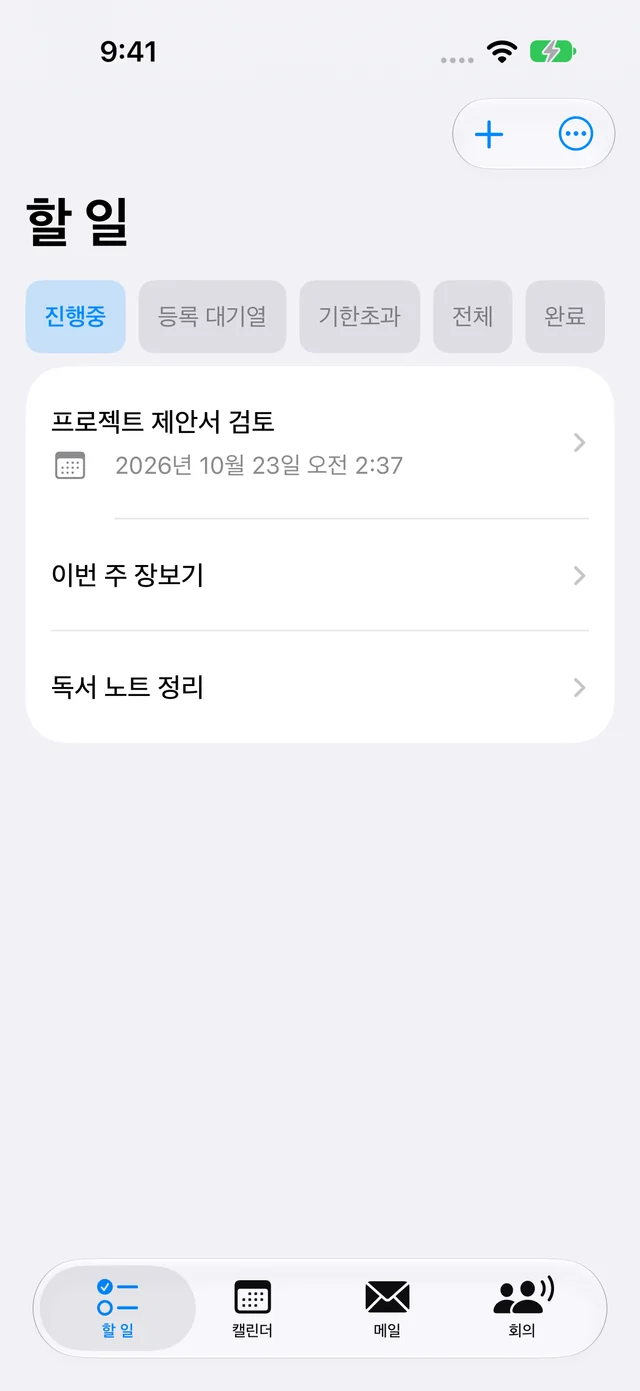
Check your own tasks by actual deadline, with items awaiting review and completed work kept separate.
From tasks you write down to requests in your inbox.
Check the real deadlines and focus on what matters today.
Explore four screens you'll use every day.
These Korean example screens were captured without ads in a QA app built from the 1.0.11 (10) development source.
They use demonstration data and may differ from the submitted or publicly available app.
Select a screen to enlarge it.
Check your own tasks by actual deadline, with items awaiting review and completed work kept separate.
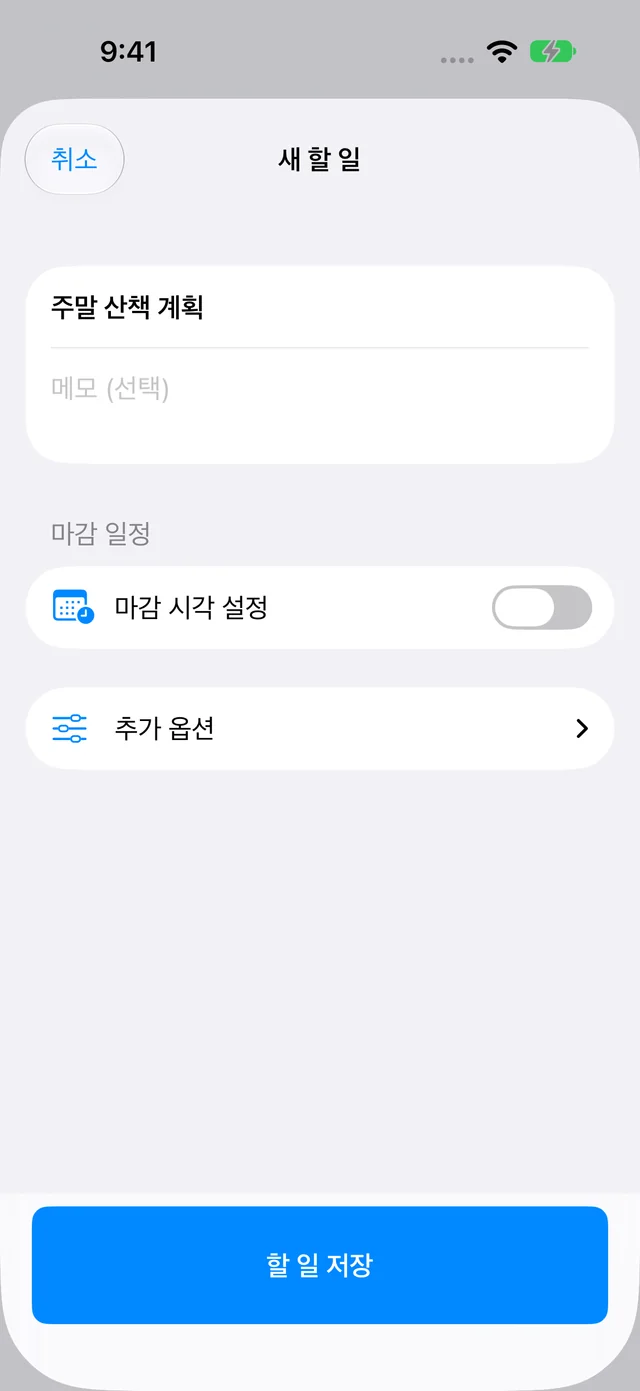
Enter a title, then add notes, a deadline, or a priority only when you need them.
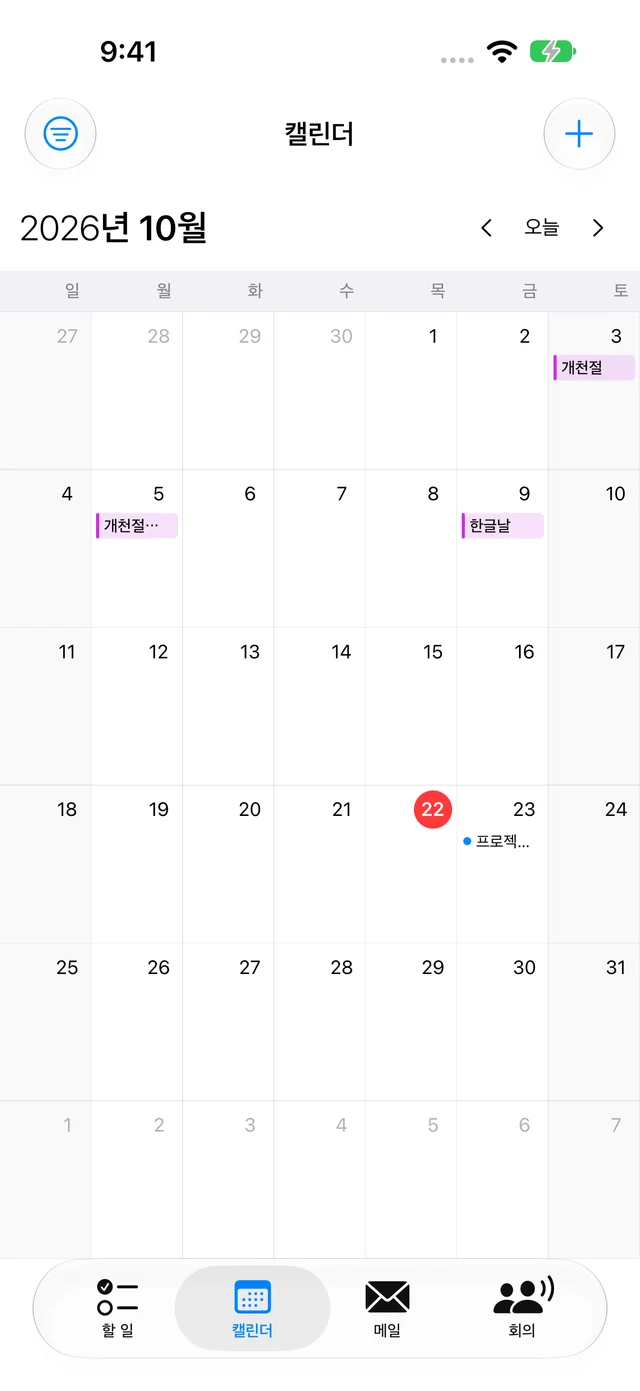
Choose a date in the calendar to check events and add a new one.
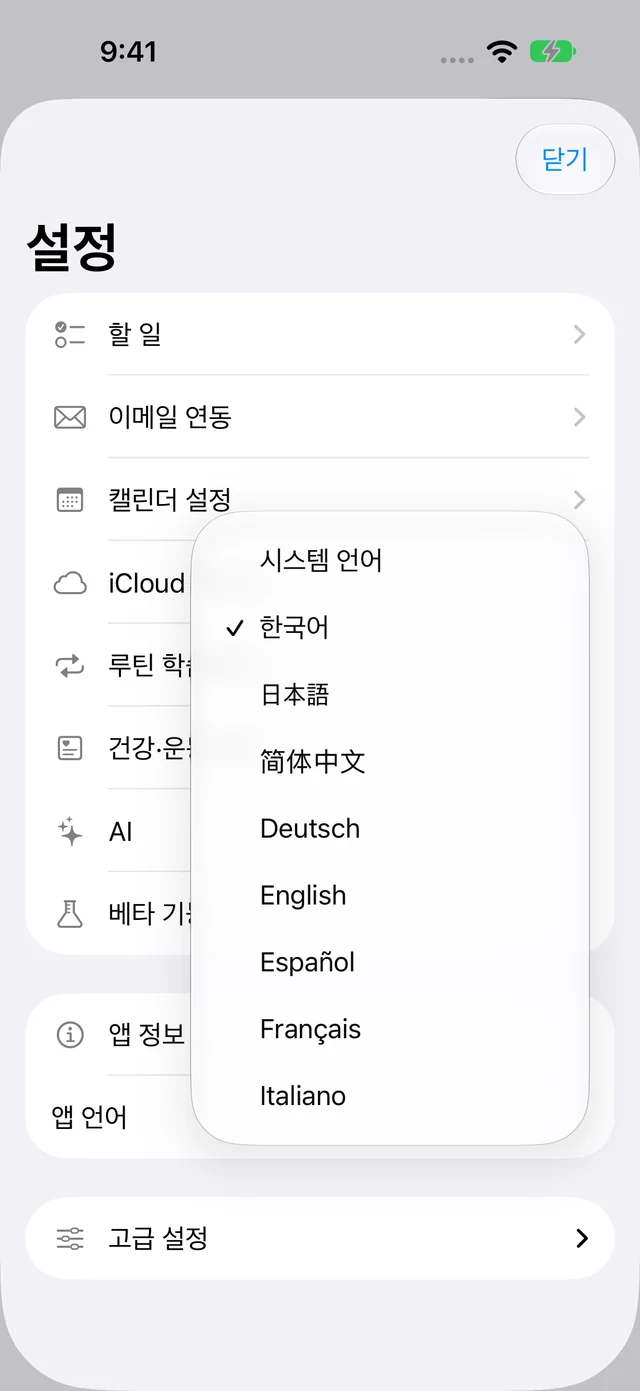
Choose notifications and AI for sorting in task settings, and permissions and analysis sources in calendar settings.
Don't just move on. Save only what you've reviewed.
In your connected inbox,
check the sender and the request.
Select 'Save as To-Do'
and edit the title, notes, and deadline.
In your active tasks,
check what is due first.
Emails without an identifiable deadline are saved without an invented due date.
Device storage and on-device processing are the defaults. Choose email and calendar connections or iCloud sync only when you need them.
AI features vary by device, operating system, installed models, and release version. The free app does not include subscriptions to external services or unlimited AI use. Check each external service's eligibility requirements, limits, and terms separately.
See how your data is handledLearn how to organize tasks and connect your email.